




Digital Security – How to Protect Yourself Online
Digital security is something everyone needs to consider. The number of fraud attempts and data breaches is increasing, and it is often small, simple mistakes that are exploited. Here you will find practical tips for better online security and learn how to avoid the most common threats on the internet.
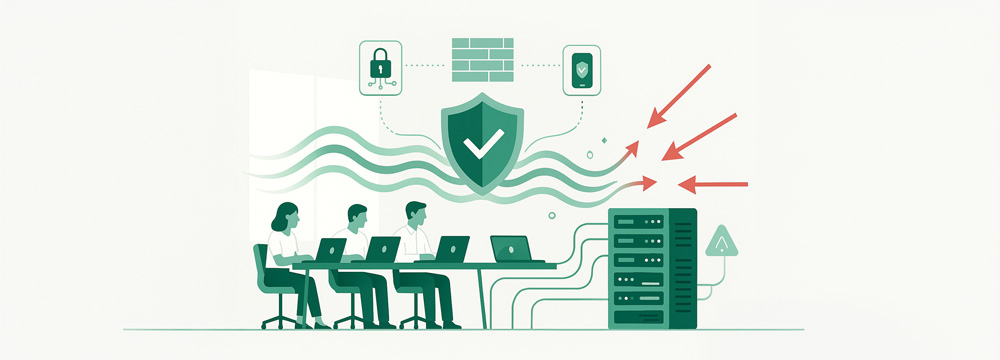
Common online threats
There are many ways attackers try to gain access to your information and accounts. The most common threats are:
- Phishing: Fake emails or text messages that appear to come from your bank or a well-known company. The goal is often to get you to reveal passwords or banking details.
- Malware: Software that can infect your computer or mobile phone, sometimes via a link in an email or through a website.
- Identity theft: Someone uses your personal details, for example to order goods or take out loans in your name.
- Fake websites: Pages that imitate well-known services in order to trick you into logging in or entering card details.
Be especially cautious when you receive unexpected emails or prompts asking you to log in via a link.
Secure passwords and authentication
A strong password is the foundation of your digital security. Always choose passwords that are at least 14 characters long and include upper and lower case letters, numbers, and special characters. Never reuse the same password across multiple sites. If one password is leaked, several of your accounts could otherwise be hacked.
A password manager helps you keep track of unique passwords for all your services. Always enable two-factor authentication where available – this requires an additional code to log in even if someone obtains your password.
Warning signs of phishing
Phishing is the most common way fraudsters obtain login details. You can recognise a phishing email or text message by a number of typical warning signs:
- Urgent requests, for example that you must log in immediately
- Spelling mistakes or awkward language
- Unknown links or sender addresses that do not match the genuine company
- Requests to provide passwords, bank details or personal identity numbers
If you are unsure, always contact the company or person using a phone number you have found yourself. Never click on unknown links.
Update Software and Devices
Older software and operating systems often contain security vulnerabilities that can be exploited by attackers. Make sure you always update your computer, mobile phone, and apps as soon as new versions are released. Install antivirus software and enable a firewall on both your computer and mobile device. Regular updates and proper protection reduce the risk of being exposed to malware and other threats.
Secure Connections and Online Security Practices
To browse the internet safely, always check that the websites you visit use HTTPS – this is often shown as a padlock icon next to the address bar. Avoid logging into sensitive services using public Wi-Fi networks, or use a VPN service to encrypt your traffic.
Always log out of online services when you are finished, and never save passwords directly in your browser. Back up your files regularly so you do not lose important data if something happens.
Protect Your Personal Information and Privacy
Never share more information than necessary online. Limit what you post on social media and use privacy settings to control who can see your details. Avoid storing sensitive documents or images in cloud services unless they are encrypted.
Many apps collect more data than you might expect – check app permissions and disable anything you do not use.
What to Do in Case of a Suspected Breach
If you suspect that you have clicked a fake link, disclosed information, or that your account has been hacked, act immediately:
- Change passwords for all affected services and accounts
- Enable two-factor authentication if it is not already activated
- Contact your bank in case of suspected fraud
- File a police report if you have been exposed to identity theft or scams
- Inform your employer if you have used company email or devices
Quick action reduces the risk of serious consequences.
Make Security a Natural Part of Everyday Life
Digital security requires daily awareness. With strong passwords, regular updates, and a healthy level of caution towards unknown emails and links, you can avoid the most common online threats. Internet security is not difficult, but it does require you to make it a natural part of your everyday routine.






 Global